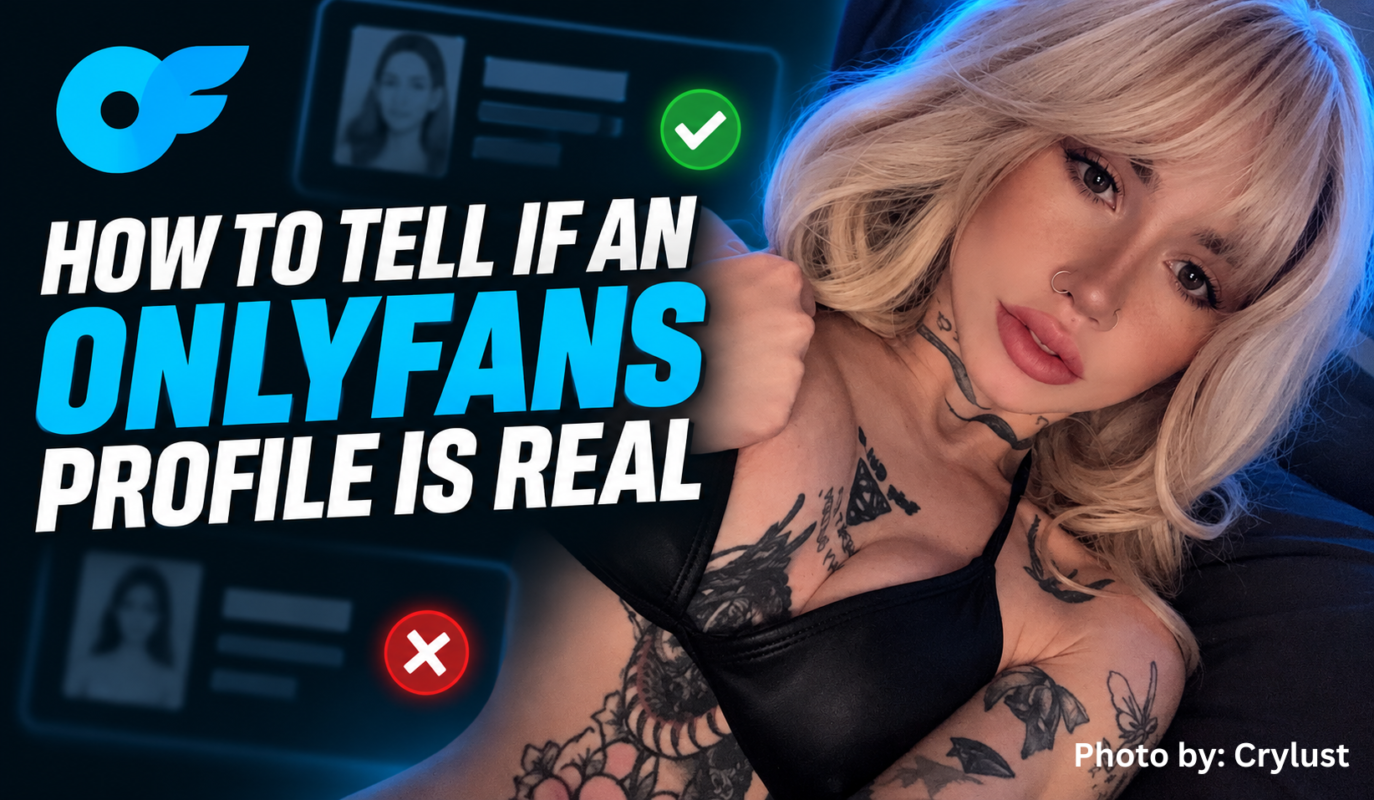
Wondering how to tell if OnlyFans is real when you find a creator profile?
The best approach is to verify the account through the creator’s official public links, compare usernames across social platforms and look for warning signs such as copied branding, suspicious URLs or requests to send money somewhere unexpected.
OnlyFans requires creators opening creator accounts to provide identification and identity-verification information during onboarding. The platform’s rules also prohibit impersonating another person or falsely suggesting an affiliation.
However, fans should still verify that the page they found is the correct account for the creator they intended to follow.
This guide explains how.
onlyfans.com domain.No single clue is perfect.
Instead, look for several signals that all point to the same creator.
A useful verification path is:
Official Social Profile → Public Creator Link → OnlyFans Username → Matching Branding → Consistent Creator Identity
The stronger that connection is, the more confident you can be that you found the correct page.
Start with the address bar.
A normal creator profile should be hosted on the actual OnlyFans domain:
onlyfans.com/username
Be careful with links that imitate the name but use a different domain.
For example:
Expected:onlyfans.com/creatorname
Suspicious:onlyfans-example.com/creatorname
or another unrelated website pretending to be an OnlyFans login or creator page.
The appearance of a website can be copied much more easily than its actual domain.
Check the spelling of:
onlyfans.com
Do not rely only on the page logo.
A display name can be copied.
So can a profile picture.
The username is more useful because it forms part of the creator’s specific profile address.
OnlyFans requires users to select a username when registering, and creator pages can be identified using that username.
Imagine the creator normally promotes:
@alicebey
but the account you find is:
@alicebeyy
That extra letter deserves a closer look.
Similar variations might include:
alicebey
alicebey_
alicebeyx
alicebeyofficial
None of those variations automatically proves an account is fake.
Creators sometimes change usernames or use different branding across platforms.
The point is simply to verify the variation before subscribing.
One of the strongest signals is a direct link from a creator’s established public profile.
Check places such as:
Suppose you find a creator on Instagram.
If their Instagram bio links to a landing page, and that landing page links directly to the same OnlyFans username you are checking, you now have a much stronger chain of evidence.
That is more reliable than finding a random OnlyFans-looking link in a comment or unsolicited DM.
Photos are helpful, but they should not be your only verification signal.
Someone impersonating a creator can copy:
Instead, compare the overall creator identity.
Look at:
Does it match the creator’s public branding?
Does the description sound consistent with the creator’s other pages?
Are the images consistent with the creator’s established public content?
Do the creator’s real social accounts point to this page?
Does the creator use the same stage name, visual identity or niche elsewhere?
You are looking for consistency across multiple sources, not one familiar photograph.
An official creator profile outside OnlyFans can provide another verification point.
For example, the BEY Models directory connects BEY creator identities with their official BEY profile pages.
If a BEY model’s page links to a particular subscription account, that gives fans another public source to compare against.
This creates a cleaner verification path:
BEY Model Page → Official Creator Link → OnlyFans Profile
For creator discovery, that is safer than relying on usernames copied into random comments, forums or repost pages.
Look for cross-platform references.
For example, the creator might post:
“new page is in my bio”
or link the same username from multiple established accounts.
The more independent public profiles that point toward the same destination, the stronger the evidence becomes.
However, be careful with recently created social accounts that exist only to promote another suspicious profile.
A fake Instagram account linking to a fake subscription page does not become trustworthy just because the two fake accounts link to one another.
Start with a public account that you already have reason to believe belongs to the creator.
A real creator account often has a history that makes sense.
That does not mean every legitimate account has to be old.
Creators launch new pages all the time.
Still, ask whether the profile appears consistent with what the creator publicly promotes.
Potential warning signs include:
One unusual detail is not automatically proof of impersonation.
Several mismatches together deserve more caution.
Suppose someone messages:
this is my new onlyfans, subscribe here
Do not automatically trust the link.
Instead, check whether the same account appears through the creator’s established public pages.
A safer process is:
DM Link → Stop → Check Creator’s Public Profile → Compare Username → Follow Official Link
If both paths lead to the same page, that is a much stronger signal.
If they lead to different accounts, investigate before paying.
OnlyFans requires creators opening creator accounts to provide information used for identity and age verification.
Its published terms state that creators must upload a valid form of identification and photos, provide payment information and submit additional age or identity information when requested.
That is important.
However, fans should distinguish between:
OnlyFans verifying a creator during platform onboarding
and
you verifying that the profile you found belongs to the specific creator you intended to find.
Those are related but different questions.
For example, a page may belong to a legitimate creator while still being the wrong creator with a similar name.
That is why public cross-checking still matters.
OnlyFans’ Acceptable Use Policy specifically prohibits users from impersonating another user or person and from falsely claiming affiliations or endorsements.
Unfortunately, impersonation can still occur across the wider internet.
Someone might copy a creator’s:
The fake profile may then attempt to direct fans toward another website or payment destination.
If something does not match, stop and verify through the creator’s established public accounts.
Here is a simple checklist.
| Signal | What to Do |
|---|---|
| Wrong website domain | Do not log in or pay |
| Slightly altered username | Compare official social links |
| Random DM link | Verify through creator’s established profile |
| Different branding | Investigate before subscribing |
| Copied-looking profile photos | Check multiple official sources |
| No connection to public creator accounts | Treat cautiously |
| Requests for unrelated personal information | Stop |
| Unexpected external payment request | Verify first |
| Pressure to pay immediately | Slow down and check |
| Official profiles link somewhere else | Use the official destination |
No single item necessarily proves fraud.
The goal is to identify patterns of inconsistency.
Imagine you are looking for a creator named Kio.
You find Kio through:
BEY Models → Kio’s BEY profile → official OnlyFans link
You then compare that page with Kio’s established public social profiles.
Everything points toward the same creator identity.
That is a strong verification chain.
You receive a random message from:
@ki0officialbackup273
The account links to an unfamiliar website and claims that every other profile is fake.
There is no matching announcement on the creator’s established profiles.
That requires much more caution.
If you are trying to confirm whether a BEY creator profile is legitimate, begin with the BEY Models directory.
From there:
That gives fans an agency-controlled reference point rather than relying entirely on search results.
Creator discovery does not end when someone finds a profile.
The fan still needs to answer:
“Is this actually the creator I’m looking for?”
That means the discovery funnel can look like:
Social Discovery → Creator Search → Identity Confirmation → Official Profile → Subscription
Trust is therefore part of conversion.
If usernames, profile photos and links are consistent across platforms, fans have fewer reasons to hesitate.
Creators can make verification easier by maintaining:
The easier it is to verify the creator, the smoother the path from discovery to subscription becomes.
Sometimes the problem is not determining whether a profile is real.
The problem is finding the correct profile in the first place.
If you know someone’s public creator identity but not their exact username, read:
How to Find Someone on OnlyFans Without Knowing Their Username
Once you find a possible profile, come back to the verification process in this guide.
The two searches work together:
Find the Creator → Verify the Creator → Follow the Official Profile
For general creator browsing, you can also start with the BEY Models directory.
Check the exact domain and username, then compare the profile with links from the creator’s established social media accounts, website or official agency page.
Do not rely on the profile picture alone.
OnlyFans requires creator applicants to provide identity-related information.
Its terms state that creators must provide valid identification, photos and other requested age or identity information as part of operating a creator account.
That verification does not eliminate the need to confirm that you have found the correct creator’s account.
OnlyFans’ policies prohibit impersonating another person or falsely suggesting an affiliation.
Fake identities and copied creator profiles can also appear elsewhere on the internet, which is why fans should verify links through established public sources.
No.
Profile photos can be copied.
A stronger verification process compares the username, social links, branding, bio and official creator pages.
Check the domain carefully.
A normal OnlyFans profile should use:
onlyfans.com/...
If a link sends you somewhere else, verify the destination before entering account or payment information.
Check the creator’s established social profiles, website or agency page.
Use the account that those official sources currently link to rather than guessing based on the display name.
Creators can change branding over time, so a username mismatch does not automatically mean fraud.
Look for an announcement or updated official link from the creator’s established public accounts.
Do not trust it automatically.
Compare the username and destination with links from the creator’s established public profile before subscribing or logging in.
A legitimate creator account confirms that you are dealing with an actual account on the platform. It does not guarantee that every offer will match your preferences or expectations.
Read the creator’s bio, subscription information and offer details before purchasing anything.
Knowing how to tell if an OnlyFans profile is real comes down to verifying several signals rather than trusting one piece of information.
Start with the URL.
Check the exact username.
Compare the account with established social profiles.
Follow official website or agency links whenever possible.
Look for consistent branding across multiple public sources.
The safest path is:
Official Creator Profile → Official Link → Matching OnlyFans Username → Verified Identity Connection
OnlyFans also requires identity information from creators during account onboarding and prohibits impersonation under its platform rules.
For BEY creators, the easiest starting point is the BEY Models directory, where fans can move from an official BEY profile to the creator’s listed links.
BEY: bey.co
Browse BEY Models: bey.co/models
Browse thousands of verified creators by category, niche, and location — no guesswork needed.
Browse OnlyBabez.com →