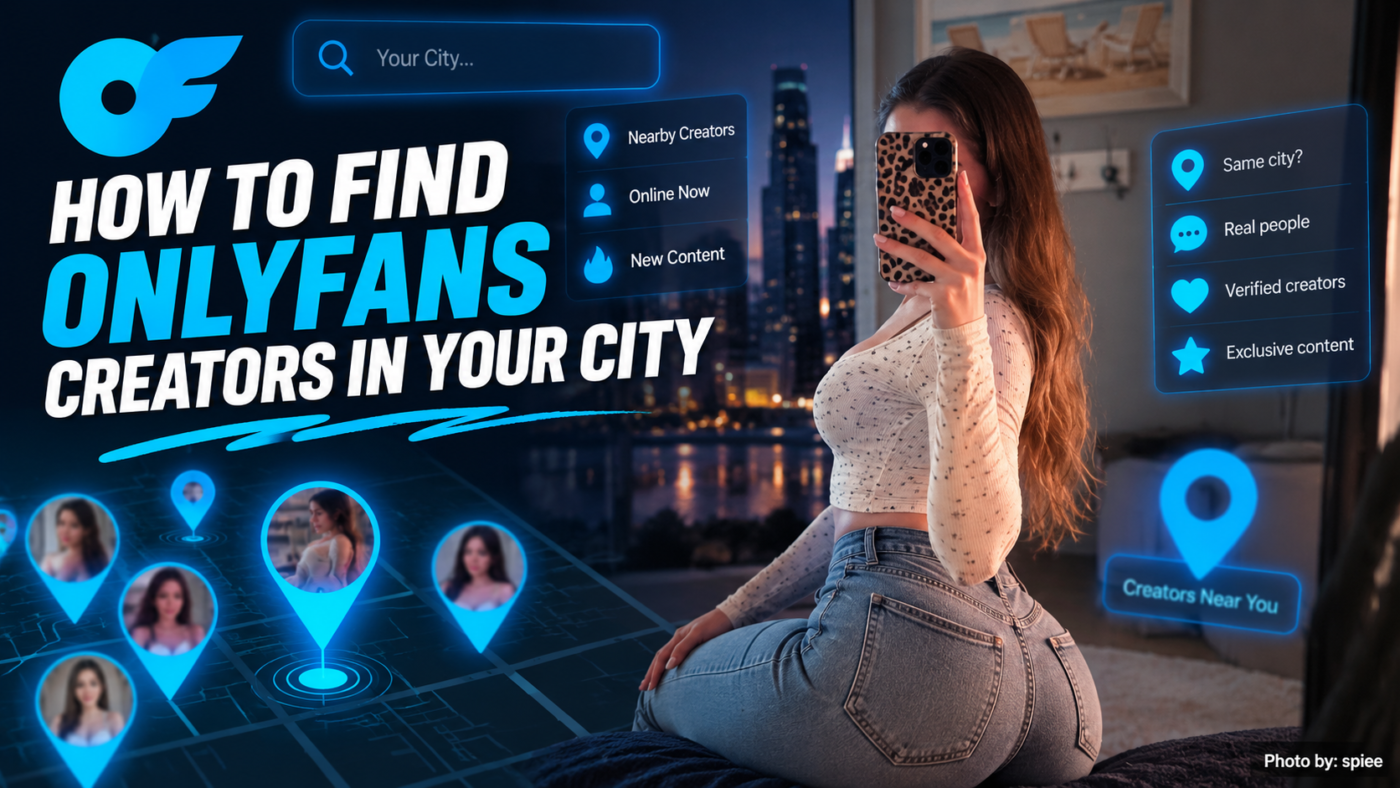
Searching for OnlyFans creators near me can be hard because OnlyFans is not built mainly for local search.
However, you can still find creators in your city by using public information. Google, social media, creator directories and official creator pages are good places to start.
For example, you can search:
OnlyFans creators in New York
OnlyFans creators in Miami
OnlyFans creators in Los Angeles
or:
OnlyFans creators near me
The goal is simple. Find creators who choose to share a city or region in public.
Most importantly, do not look for private addresses or exact live locations. A city or broad area is enough.
Start with Google and add a city or region. Next, check Instagram, X, TikTok and Reddit. You can also add a niche, such as fitness or cosplay, to make your search more specific.
Creator directories may help when you do not know a name. However, always check the creator’s official links before subscribing.
Finally, use only public location details. You do not need someone’s exact address to find a public creator profile.
The easiest method is to combine a place with a niche or creator name.
A simple search path is:
City → Niche or Name → Social Profile → Official Link
For example:
Miami → fitness creator → Instagram → official link
Another path could be:
New York → alternative creator → Google → creator page
You do not need the exact OnlyFans username at the start. Instead, use the public details you already know.
First, search Google with the city name.
Try:
OnlyFans creators New York
OnlyFans creators Miami
OnlyFans creators Los Angeles
OnlyFans creators New Jersey
If the results are too broad, add a niche.
For example:
fitness OnlyFans creators Miami
alternative OnlyFans creators New York
petite OnlyFans creators Los Angeles
tattooed OnlyFans creators Chicago
As a result, Google gets more context and may return more useful results.
Sometimes a broad search is still too wide. In that case, add quotation marks around the main words.
For example:
"OnlyFans" "New York"
or:
"OnlyFans creator" "Miami"
If you already know a public creator name, try:
"creator name" "OnlyFans" "New York"
This can work well when you know part of the creator’s public identity but not the exact username.
Next, check social media.
Many creators are easier to find on Instagram, X or TikTok than through a direct OnlyFans search.
Useful platforms include Instagram, X, TikTok, Reddit, Threads, YouTube and Snapchat.
Look for city names in bios, captions and public posts.
For example, a creator may write:
NYC creator
Miami based
NJ / NYC
Los Angeles
Also, check public hashtags and pinned posts. These clues can help you narrow the search without using private information.
Instagram is useful because many creators list a city in their bio or captions.
Try searches such as:
nyc creator
miami creator
la model
new jersey creator
Then, add a niche when needed.
For example:
nyc fitness creator
miami tattooed model
la alternative creator
Once you find someone, check the bio for an official link.
However, do not assume the person has OnlyFans simply because they appear in a creator search. Instead, look for a public link that confirms it.
X can also be useful because creators often share their own links.
For example, try:
NYC OnlyFans
Miami OnlyFans creator
New Jersey OnlyFans
LA fitness creator
After you find a possible match, compare the username with the creator’s other public profiles.
That extra check can help you avoid the wrong account.
TikTok is often better for finding the creator first.
A creator may post lifestyle videos, fitness clips, fashion, cosplay, city content or local events.
If you find someone interesting, open their public bio. From there, follow any official links they choose to share.
For example:
TikTok → Instagram → Link Page → Official Creator Profile
This path can be easier than trying to search OnlyFans first.
Reddit can help with both niche and city searches.
For example:
OnlyFans NYC Reddit
Miami creator Reddit
You can also add a niche.
However, use Reddit mainly for discovery. Posts may be old, copied or shared by someone else.
Therefore, check the creator’s official profile before subscribing.
Creator directories can save time when you do not know a specific name.
Depending on the directory, you may be able to browse by niche, creator type, free or paid page, public city, price or other profile details.
For example, you may want a fitness creator near Miami but have no name in mind.
In that case, a directory can help you move through:
Location → Niche → Creator
Then, open the creator’s official links before making a decision.
Local search should stay focused on information that a creator chose to share.
For example, a creator may say they are based in New York. That is public information.
By contrast, trying to find a private home address goes too far.
Good public clues include a city in a bio, creator website, agency page, city hashtag, public location post, interview or official profile.
On the other hand, avoid looking for home addresses, exact live locations, private workplaces, private phone numbers or family addresses.
In short, a city or broad region is enough.
A city-only search may bring back too many results. Therefore, add the type of creator you want.
| Search Goal | Better Search |
|---|---|
| Fitness creators | fitness OnlyFans creators Miami |
| Alternative creators | alternative OnlyFans NYC |
| Petite creators | petite OnlyFans Los Angeles |
| Tattooed creators | tattooed OnlyFans New York |
| Gym creators | gym OnlyFans creators New Jersey |
| Cosplay creators | cosplay OnlyFans LA |
This gives the search engine more context. As a result, the results may be closer to what you want.
Finding a profile is only the first step. Next, make sure it is the right account.
Start with the username. Does it match the creator’s other public pages?
Then, check the link in bio. Does it point to the same OnlyFans page?
Also, look at the creator’s website or agency page. Those sources can provide another public link.
Finally, compare several profiles. When the same creator name and link appear across multiple official pages, the account is easier to trust.
Before you subscribe, check for recent public activity.
For example, look for recent Instagram posts, current X posts, new TikToks, updated bios, working links and recent creator updates.
A current social post can show that the creator is still active online.
However, public activity does not always match the exact posting schedule on OnlyFans. Use it as one clue rather than proof of a specific posting rate.
For more help, read How to Tell if an OnlyFans Creator Is Active Before You Subscribe.
Different usernames are common.
For example:
Instagram: @jessfitness
X: @jessxfit
OnlyFans: @jessvip
Because of this, searching one handle may not be enough.
Instead, try several public details:
public name + city
Instagram username + OnlyFans
creator name + OnlyFans + city
You can also try:
site:onlyfans.com "creatorname"
This can help when you already know a likely username.
These are two different searches.
If you already know the person, use:
Name → Social Profile → Official Links → OnlyFans
If you are simply looking for creators near you, use:
City → Niche → Creator → Official Profile
That difference matters because each search begins with different information.
Location can make creator search easier.
For example, someone may begin with:
fitness creator
Then, they may narrow the search to:
fitness creator in New York
After that, they might find the creator on Instagram and follow an official link.
The path can look like:
Google or Social Search → City + Niche → Creator Profile → Official Link → OnlyFans
Therefore, a broad city can help creators appear in more focused searches.
At the same time, creators do not need to share exact private locations. A city such as New York, Miami or Los Angeles is usually enough.
Some creators add a city or region to their public branding.
For example, someone may call themselves an:
NYC fitness creator
instead of only:
fitness creator
This gives fans more context. In addition, it can help with local search, events, photo shoots and creator connections.
However, there is no need to share an exact address.
Usually, no.
A broad city or region is enough for search.
For example, New York City can be useful. An exact home address is not.
Therefore, creators should share only the location details they are comfortable making public.
If you want to browse BEY creators, start with the BEY Models directory.
The directory gives you one place to open current BEY profiles and official links.
Instead of trusting a random search result, use:
BEY Models → Creator Profile → Official Links
From there, you can compare creators, niches and public profile details.
That phrase can be too broad.
Instead, add a city or niche.
For example:
OnlyFans creators NYC
or:
fitness OnlyFans Miami
A copied profile can repeat another person’s city.
Therefore, compare the account with official profiles before trusting the claim.
A person can appear in a local creator search without having an OnlyFans account.
So, look for an official link before making that assumption.
Creators can move, change usernames or switch pages.
Because of that, old search results may no longer be correct. Check current profiles first.
You do not need a private address to find a public creator page.
Instead, stay with city-level details that the creator chose to share.
Start with Google or social media.
Search your city together with OnlyFans, creator or a niche.
Then, check the creator’s official public links before subscribing.
Local search is often easier through Google, social media and creator directories.
For example, try:
OnlyFans creators + city
or:
niche + OnlyFans + city
Afterward, confirm the result through an official creator profile.
Start with your city name.
For example:
OnlyFans creators New York
OnlyFans creators Miami
OnlyFans creators Los Angeles
If those searches are too broad, add a niche.
Sometimes.
Creators may list a city or region in a bio, website, agency page or social post.
However, use only information they choose to make public.
Treat it as a public claim.
If the location matters to you, compare it with the creator’s other official profiles.
That gives you more than one public clue.
Combine the niche with your city.
For example:
fitness OnlyFans creators Miami
or:
gym OnlyFans NYC
This is usually more useful than a city-only search.
Yes.
Instagram can help you find creators through bios, hashtags, Reels and city content.
Once you find someone, use their official link instead of guessing the OnlyFans username.
First, try a nearby city.
Next, search your state or region.
You can also remove the location and search by niche.
Finally, remember that some creators do not share their city online.
The easiest way to find OnlyFans creators near me is to combine a city with public creator information.
First, search by city and niche. Next, check social profiles. Then, follow official links to the creator’s page.
Useful places to search include Google, Instagram, X, TikTok, Reddit, creator directories and agency pages.
Most importantly, stay with public location information. You do not need a private address or exact live location to find creators in your area.
For broader creator discovery, browse the BEY Models directory.
You can also visit BEY.
Browse thousands of verified creators by category, niche, and location — no guesswork needed.
Browse OnlyBabez.com →